
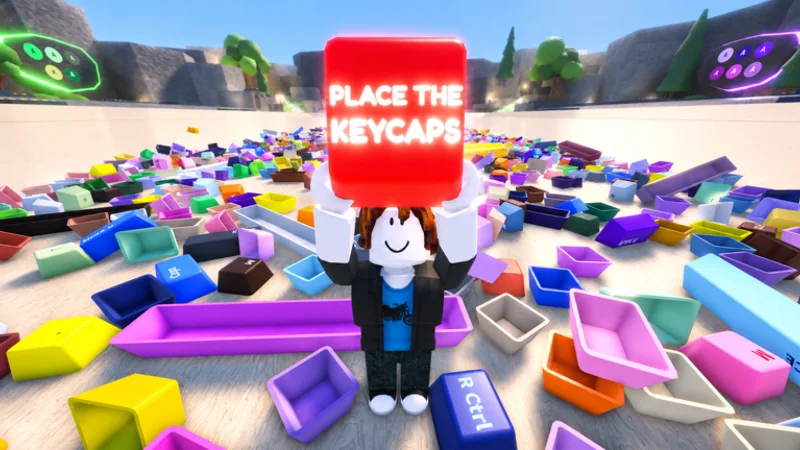
Look → stage → seat
Orient on empty seats, throw unknowns with Q into a staging corner, place only when legend and width match, unlock the mouse with Ctrl when you need pointer precision.
Player wiki for Place the Keycaps: Q & Ctrl controls, sorting methods, checklist, completion path, and Sorted All Keycaps badge facts.
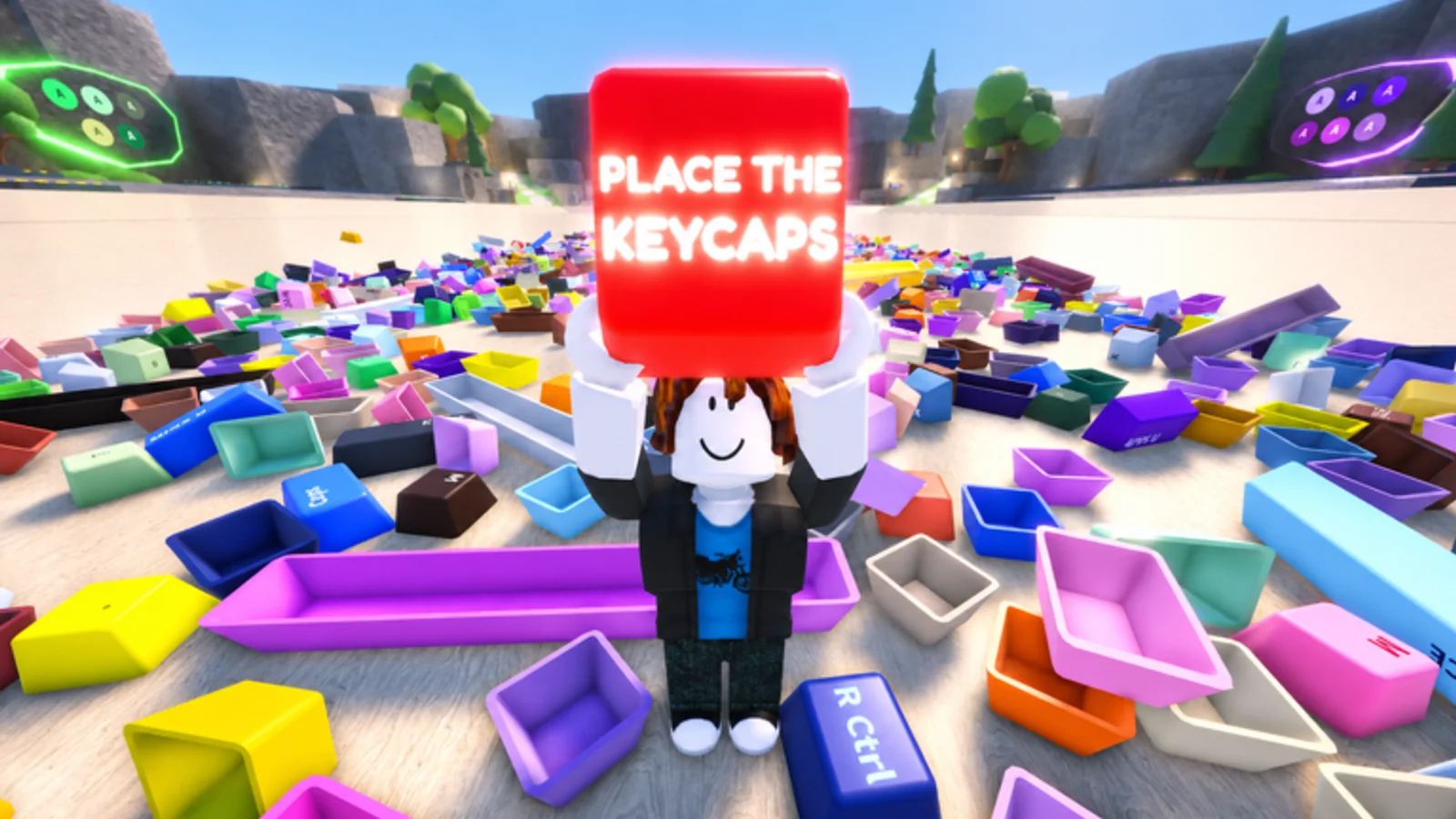
Official objective: sort a pile of keycaps to complete your keyboard collection. Beta means expect tweaks—re-check Q, Ctrl, and empty seats after live title brackets.
Orient on empty seats, throw unknowns with Q into a staging corner, place only when legend and width match, unlock the mouse with Ctrl when you need pointer precision.
Each route owns one player task. Near-synonym queries stay together so you are not sent through thin duplicate pages.
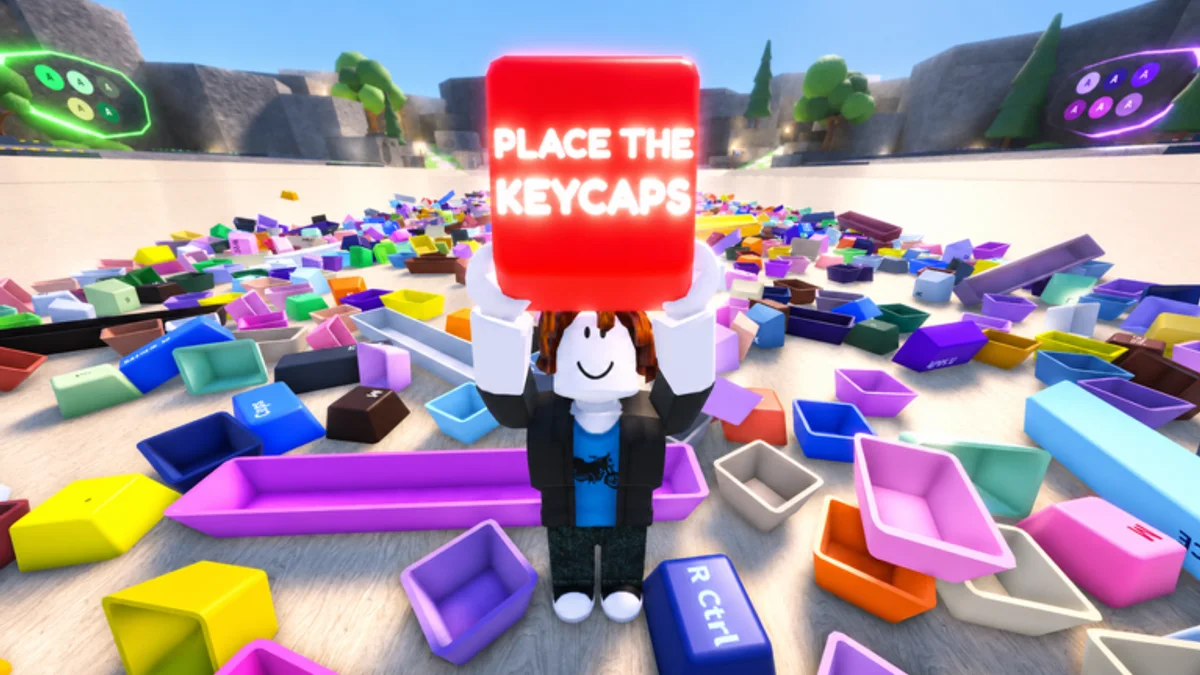
Official description: Q throws keycaps, Ctrl unlocks the mouse. Movement and camera follow Roblox desktop defaults unless Help says otherwise.
Gallery crops separate hero, close board views, and identity art instead of repeating one decorative crop.
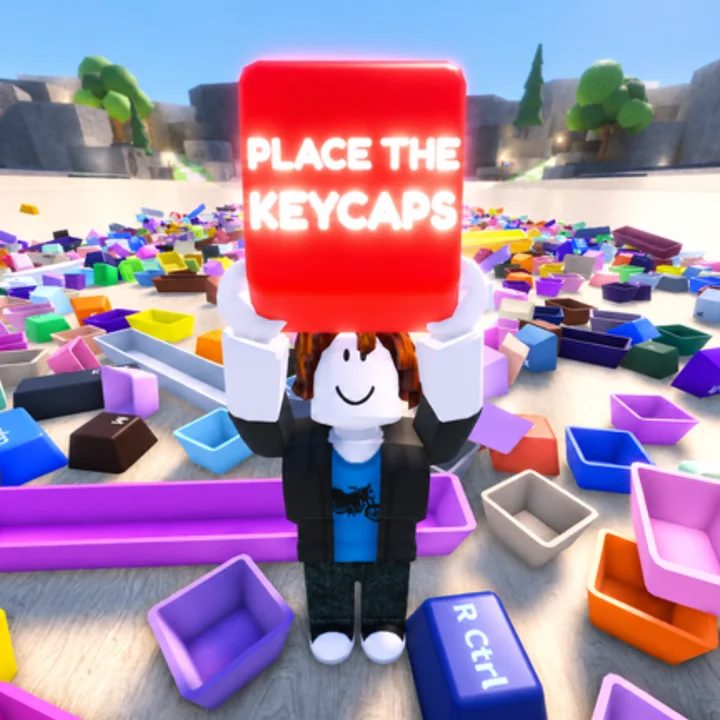
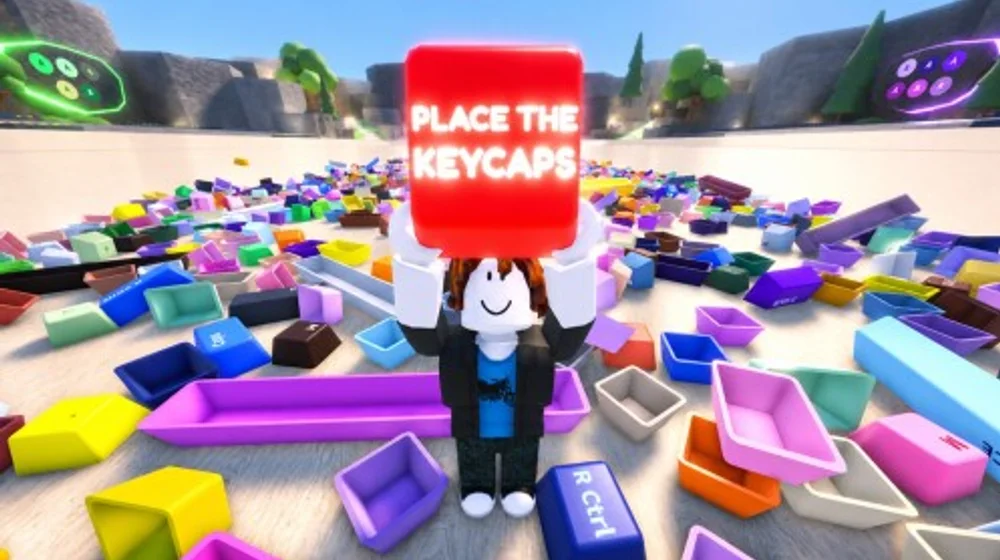
The uploader is independent of KEYBOARDS!!!!! and Roblox. Prefer the official experience description when it conflicts with the recording.
Community · Place the Keycaps long play · ~1h · Open on YouTube
Community video, not an official KEYBOARDS!!!!! upload. Published 2026-07; live-game details may change after an update. Optional watch only.
Pick controls, sorting, checklist, or completion—then return to the live board.